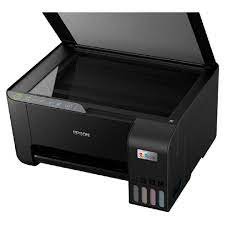
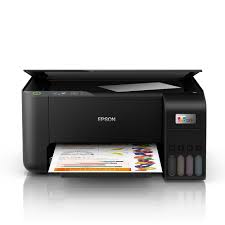
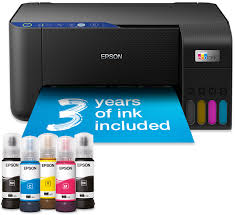
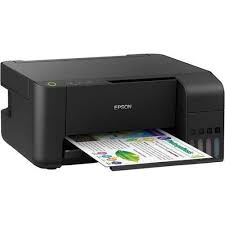
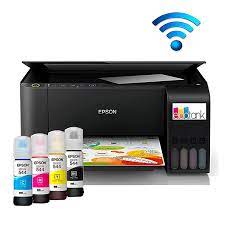
Here are the ink bottle types for the Epson L3251:
- Black (T1031) – For printing black text and documents.
- Cyan (T1032) – For blue color printing.
- Magenta (T1033) – For red/pink color printing.
- Yellow (T1034) – For yellow color printing.
How to refill ink in the Epson L3251 printer:
- Turn off the printer and unplug it for safety.
- Open the ink tank cover on the left side of the printer.
- Identify the ink tank you want to refill (black, cyan, magenta, or yellow).
- Remove the cap from the ink tank.
- Shake the ink bottle gently to mix the ink (if needed).
- Insert the nozzle of the ink bottle into the corresponding ink tank opening.
- Squeeze the ink bottle gently to allow the ink to flow into the tank. Don’t overfill it.
- Once the tank is filled, close the ink tank cover and the printer’s main cover.
- Turn on the printer, and it should be ready for use. You can perform a test print to check the ink levels.

Reviews
There are no reviews yet.