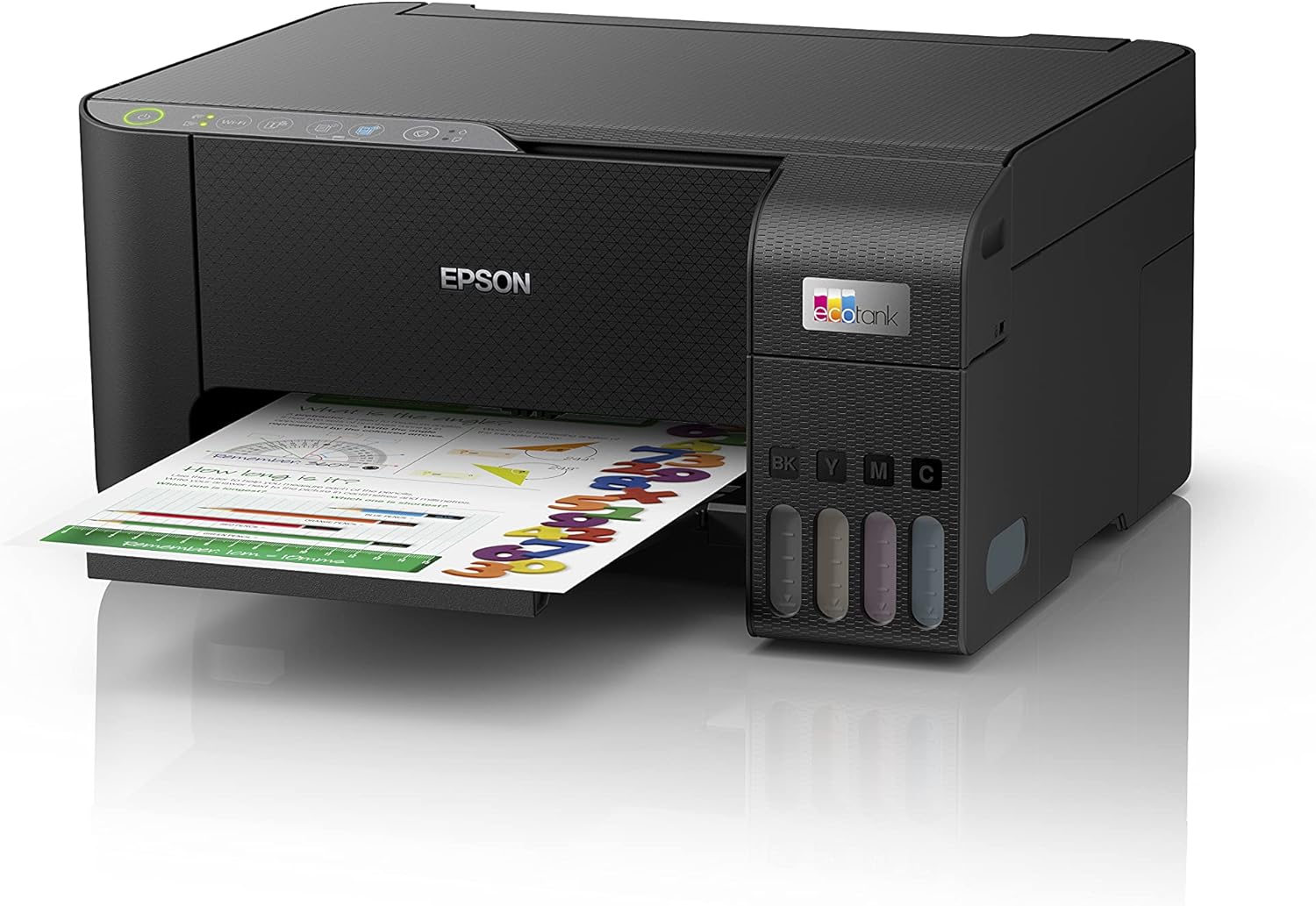
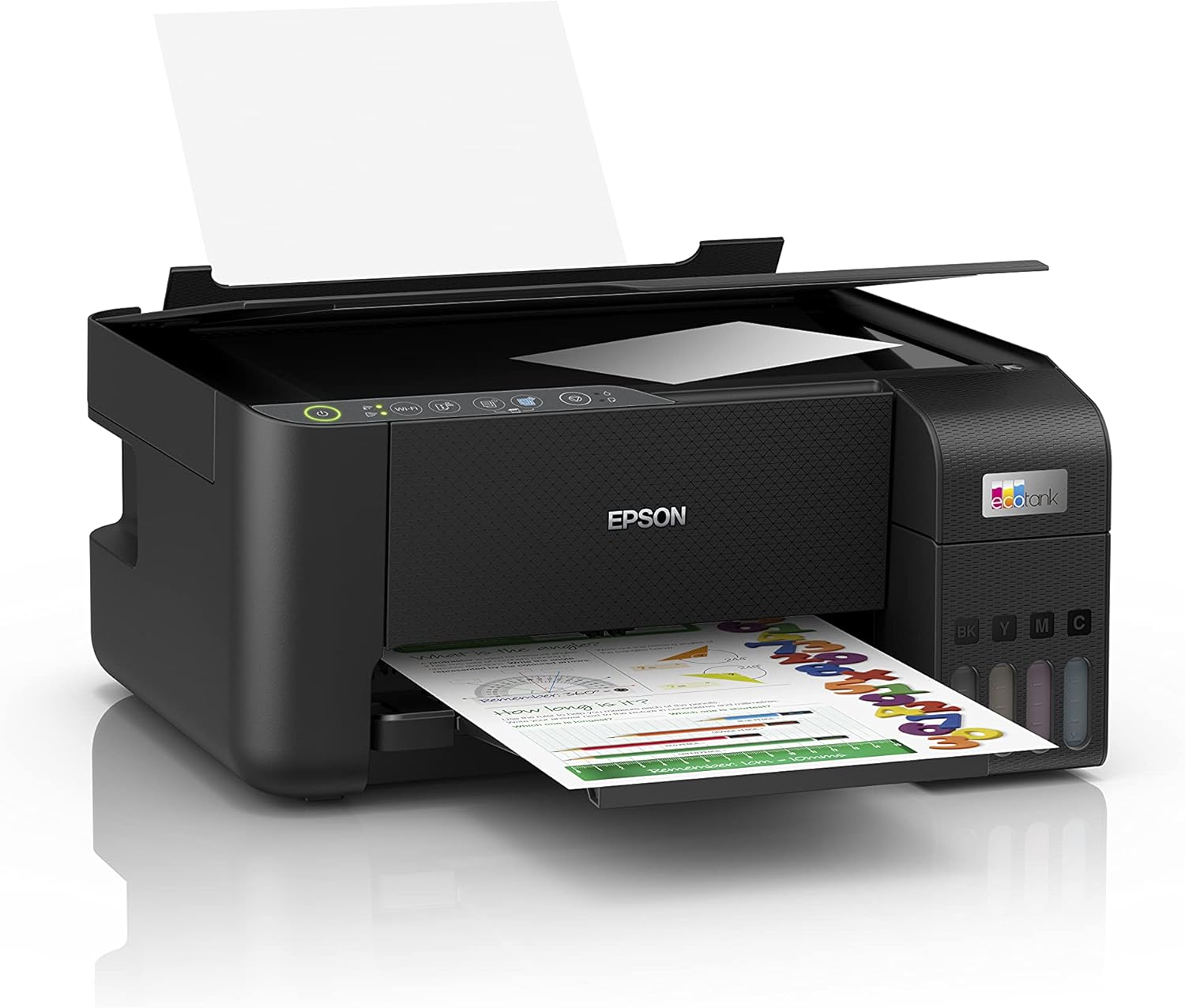
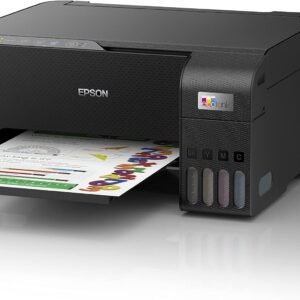
You can refill each color ink tank individually. To refill the printer, follow these general steps:
- Turn off the printer and ensure it is unplugged for safety.
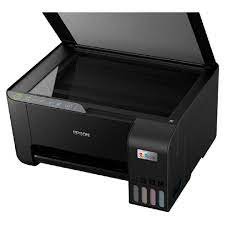
- Open the ink tank cover, which is located on the left side of the printer.
- Identify the ink tank for the color you need to refill. The ink tank will have a cap that you need to remove.
- Shake the ink bottle gently to mix the contents (if needed).
- Insert the bottle nozzle into the corresponding ink tank opening and carefully squeeze the bottle to pour the ink. Be careful not to overfill the tank.
- Close the ink tank cover and the printer’s main cover.
- Power on the printer and perform a test print to ensure the ink is properly flowing.


Reviews
There are no reviews yet.